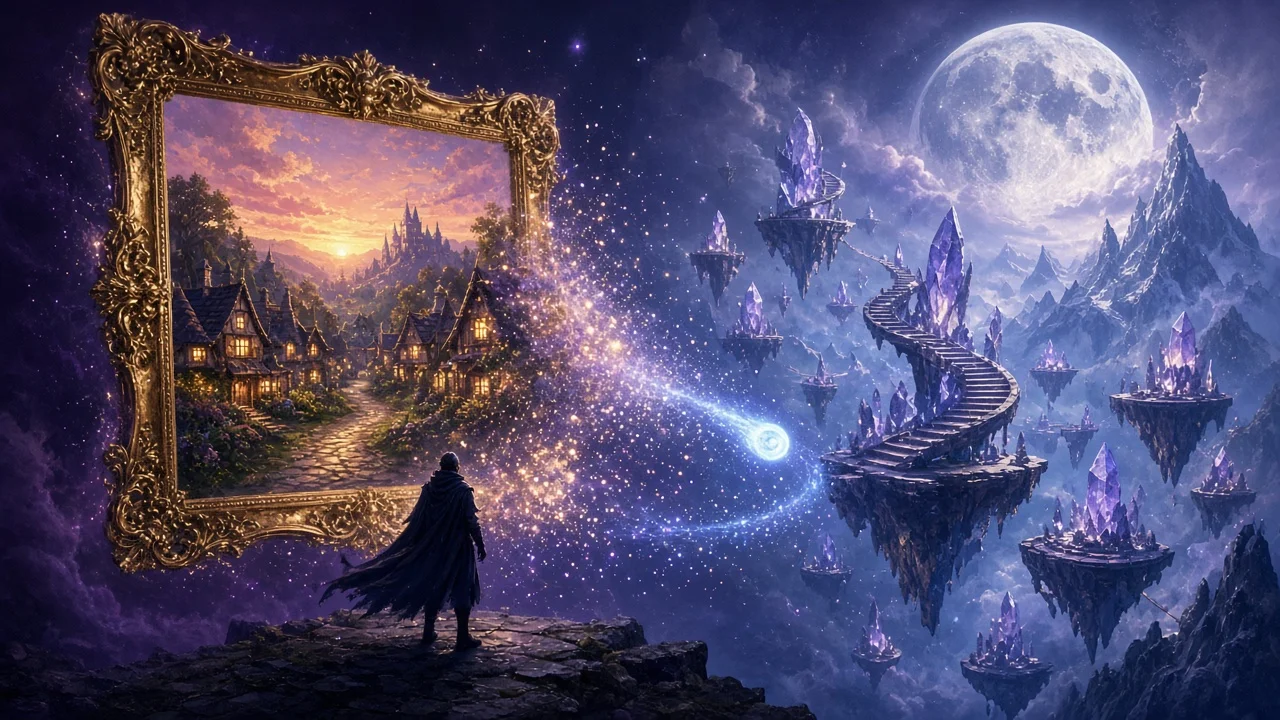
Your pictures are places now. Pick a scene image and step inside it. Fly through the tavern you painted. Look over the cliff your party almost fell from.
Explore these first
Three scenes made by the community. Click one to fly in.
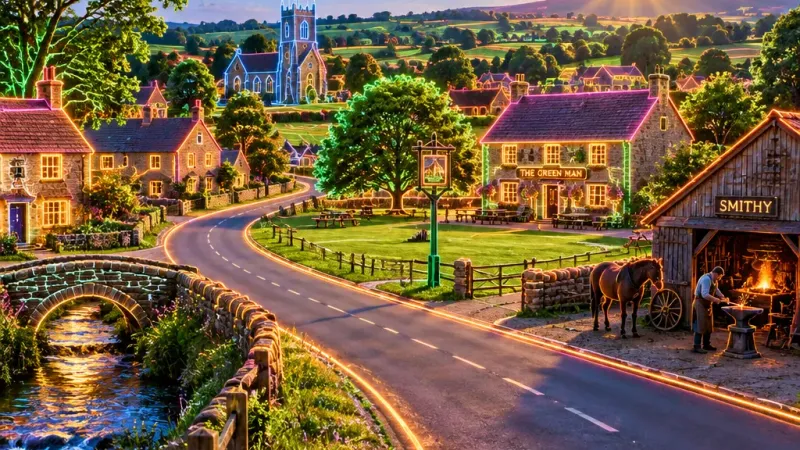
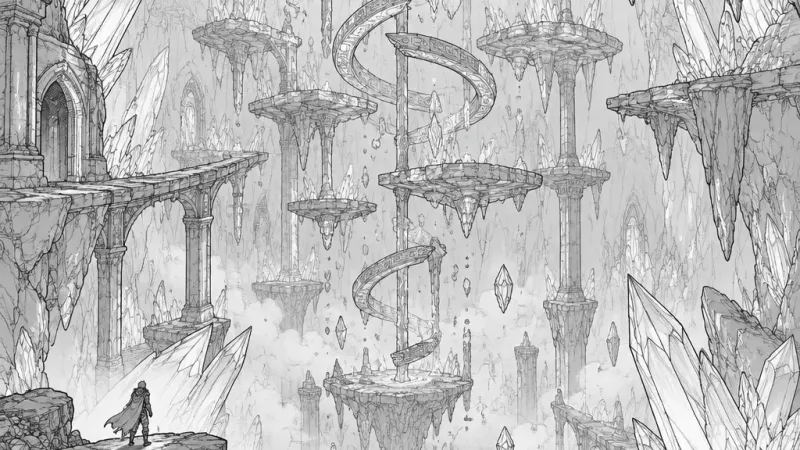
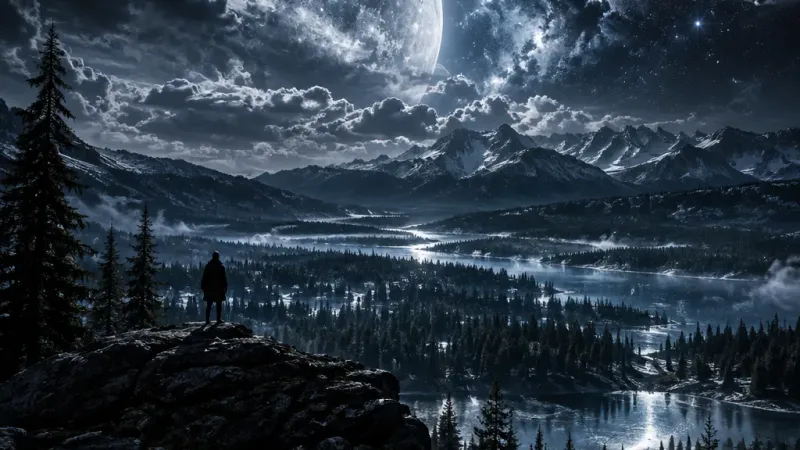
Make your own
From any gallery image, or straight from your game
Open any image in your or the public gallery and hit Create 3D Scene. Mid campaign, open a scene image and hit Generate Scene next to Generate Video. Your game keeps running. A scene costs 20 Yellow Crystals and takes about 5 minutes. It lands in your gallery under 3D.
- Places work best: landscapes, taverns, dungeons, streets, forests, rooms
- Portraits, single characters, and objects are turned away before you pay
- If a scene fails, your crystals come back
Fly as a wisp, or as your hero
Any 3D hero you made can come along
You start as a glowing wisp. Swap to one of your 3D heroes and they idle, walk, and run on the ground, then take off when you climb. The scene builds itself around you as it loads.
- WASD fly, Space up, Q down, Shift boost
- Drag to look, scroll to zoom in to first person
- R or Recenter brings you back to the start
- Fast, High, or Ultra quality. We pick the best one your device can hold
- Works on phones with touch controls
Bug fixes
- Support for low-end devices
- Fixed layout for small laptop screens
Try it
- Fly through Sunset Village
- Open your gallery or the public gallery and pick a place you want to visit
- Hit Create 3D Scene. Come back in 5 minutes
Welcome to Patch 2.6. Step inside.